Coined! (Tech Demo)
A downloadable game for Windows
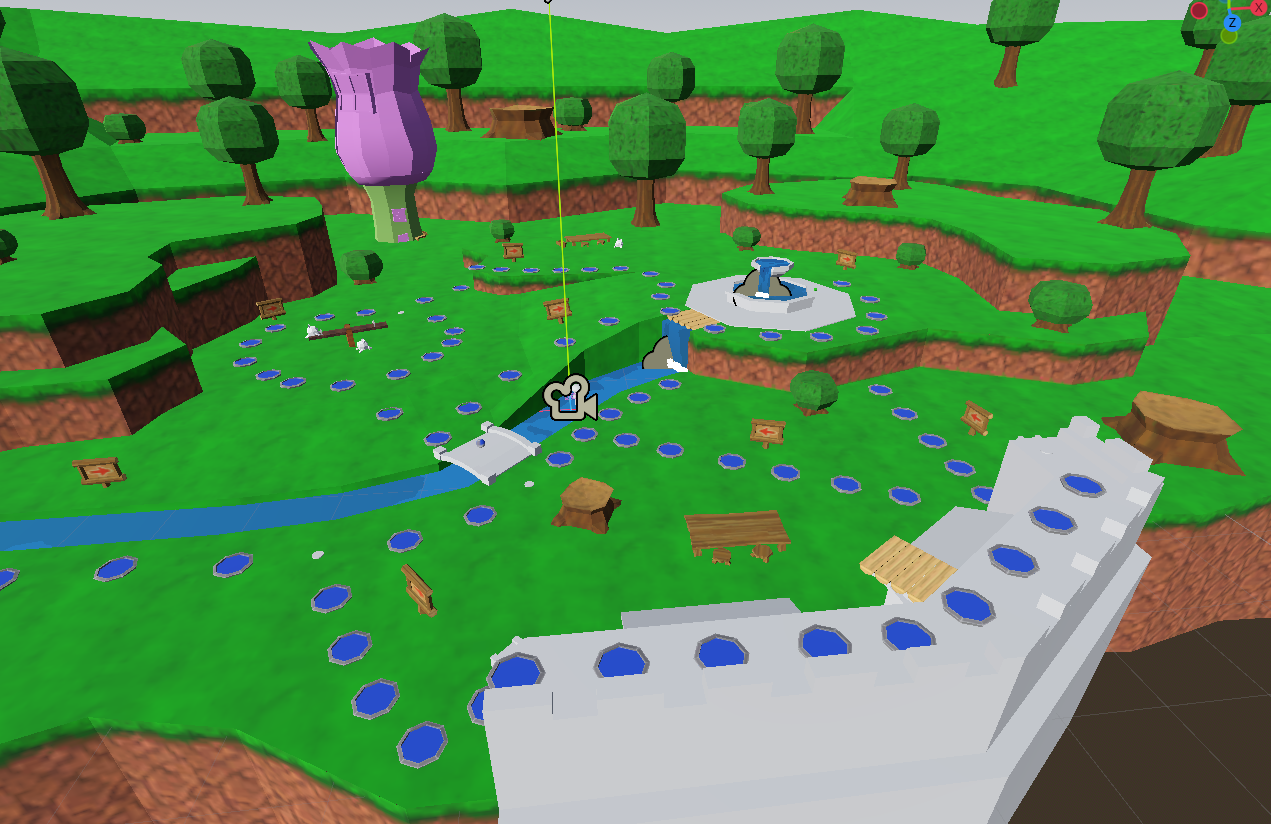
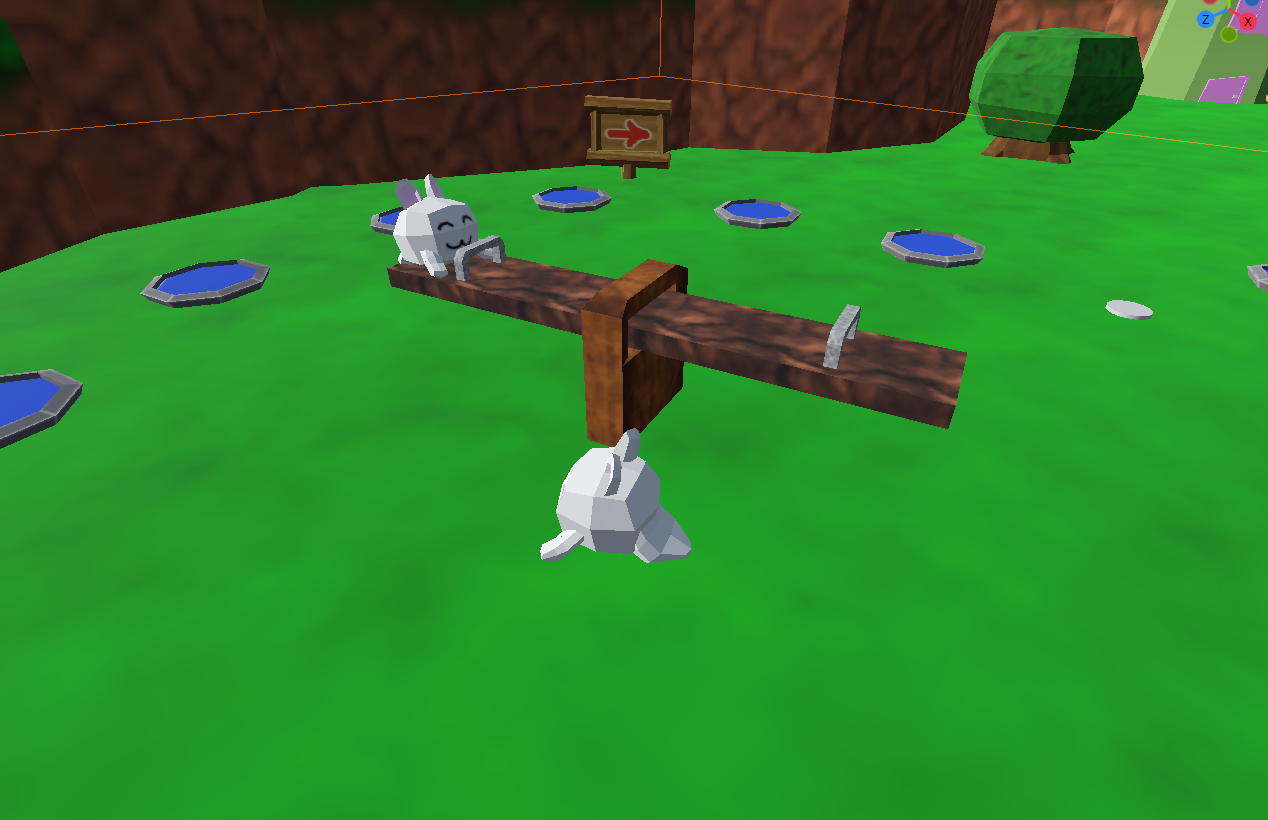
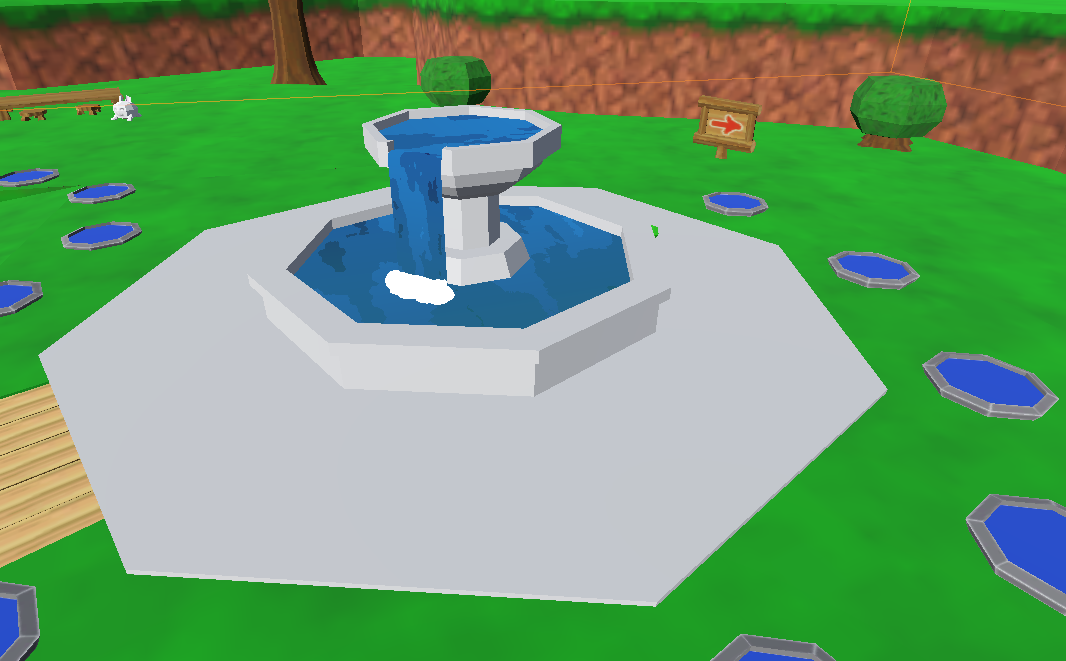
Host a game (with port forwarding) for your friends to enjoy. Move around a game board with cute creatures! Play minigames to earn coins! Share foods with your friends to mess up their game! Reach the end of the board with enough coins grants a Star Coin. Have more Star Coins than anyone else after a set amount of turns to win!
Features:
-Board game fun for 4 players, with up to 3 players per client
-Items that can be used to help (or hurt) any player
-Rollback Netcode Minigames
-Synced animations and cute cutscenes to discover!
In-game Keyboard Controls: AWSD for UDLR. Right Arrow Key for Accept, and Down Arrow Key for Back. In the Minigame, Right Arrow Key jumps.
In-game Controller Controls: Left Stick for UDLR. Either A or B (depending on your controller) will is Accept, and the other one is Back.
Press Accept to advance text, roll dice, and confirm choices. Press Back to open and close your Item Inventory, and Accept to use Items once in the inventory.
Currently, there is only one Minigame, one functional item, many missing cutscenes, no sound design, and not much board variety. My goal with the project was to make a smooth online game flow, complete with rollback netcode for minigames, and now I'm there! More fun game design to come in future releases!
Download
Install instructions
Download "Coined (date).zip" and run Coined.exe.
In order to host a match, you'll need to port forward on your router (until I hook into Steam's matchmaking API anyway). Every router port forwards slightly differently, so Google is your best friend here. Once you have a port forwarded on your router, type it into the Host Port field, click host, and share your IP Address and Port with your friends so they can join your game.
In order to join a match, ask the host for their IP Address and Port. Navigate to the Join Game menu, type in the IP Address and Port into their respective fields, and join the fun!
This will bring everyone into the lobby! Press A (or B on some controllers) to connect a controller, or the Right Arrow Key to use a keyboard. When you do, you'll see a device ID show up next to your name. If you wish to disconnect your controller, press the X button next to your name. You can ignore the left and right arrow buttons, as they'll be for future releases when I finish the save file feature! Once everyone is Ready, the game will begin!
Leave a comment
Log in with itch.io to leave a comment.